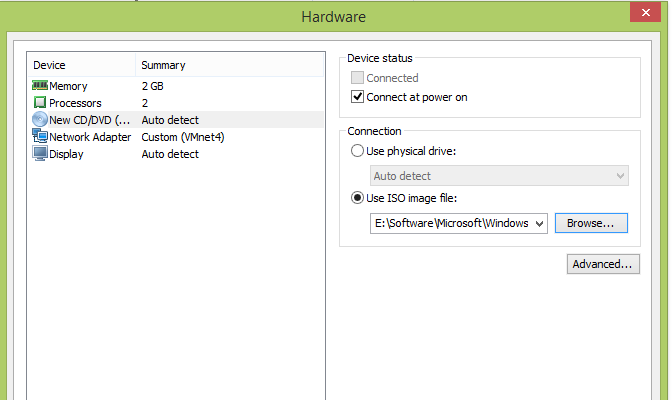
Reduce the VM to the necessary components
- CPU 2
- Memory 2GB
- CD/DVD Drive (Attach the installation ISO at this time)
- Network Adapter
- A Disk (which is not shown in this view) of 20GB
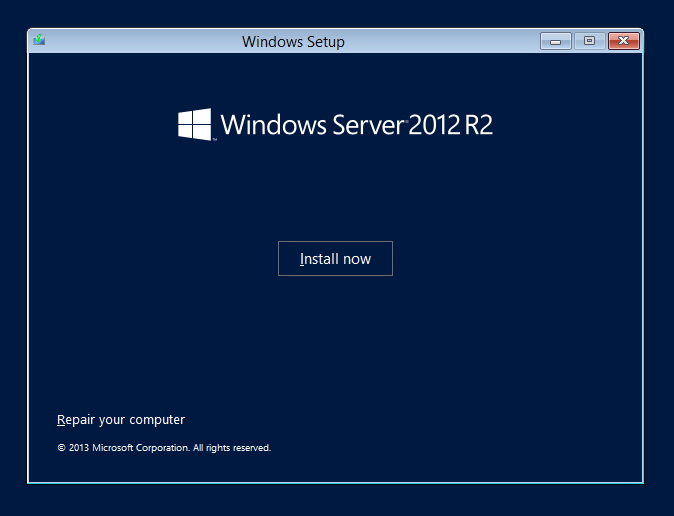
Install Windows 2012R2 Core
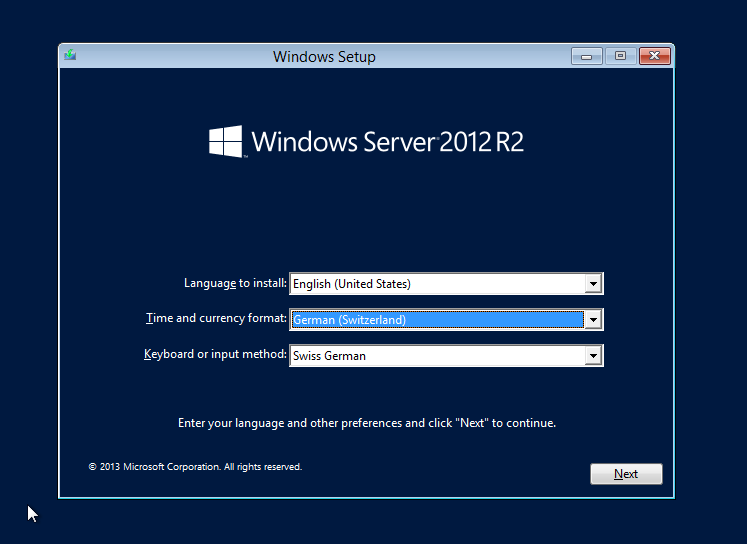
| Select your proper Time/currency and Keyboard format

|
 |
|

|
 |
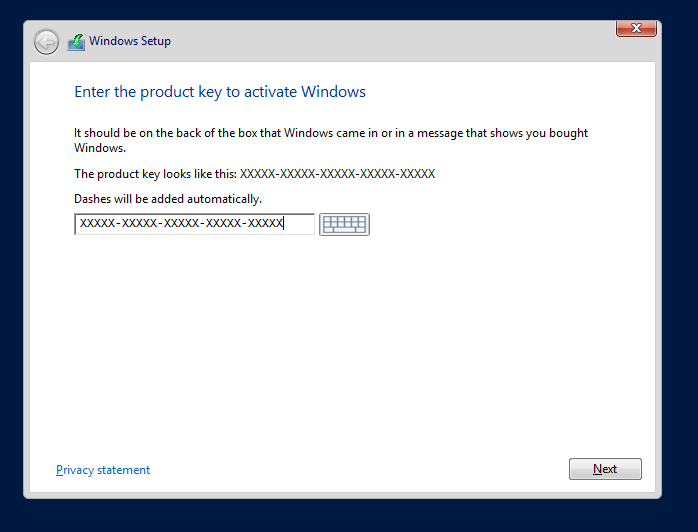
| Enter License Code

|
 |
|
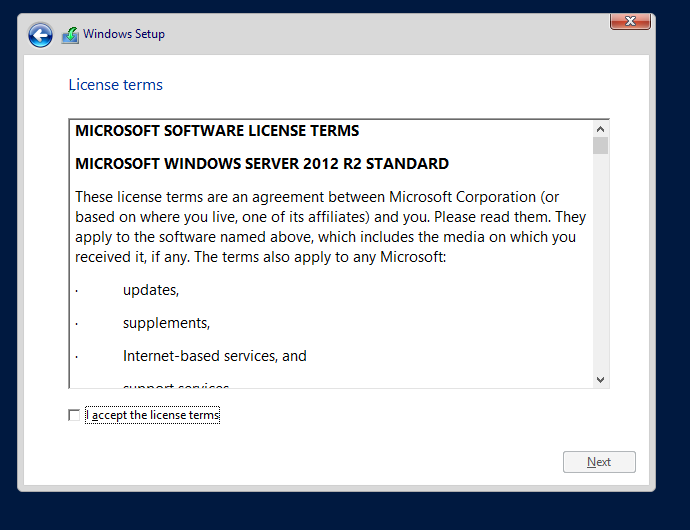
Select “Windows 2012 R2 Standard (Server Core Installation)”
|
 |

|
 |

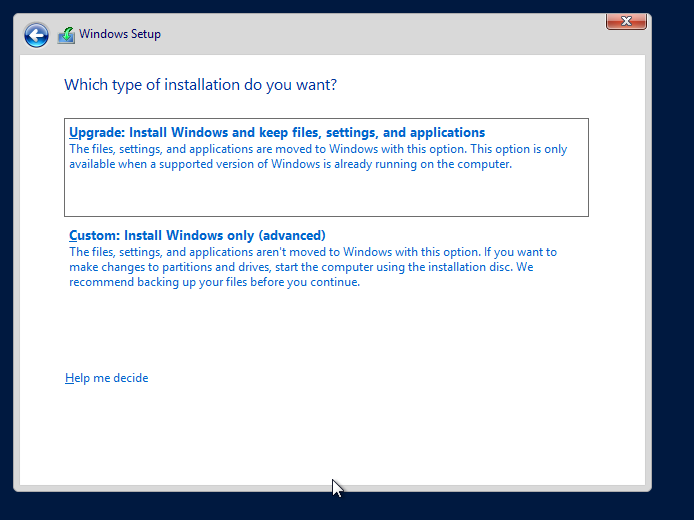
Choose “Custom: Install Windows only (adv…” |
 |
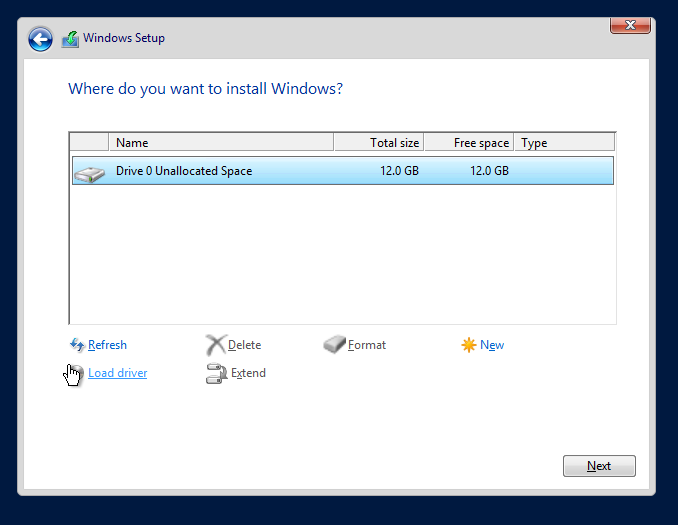
| Select the Disk and press
|
 |
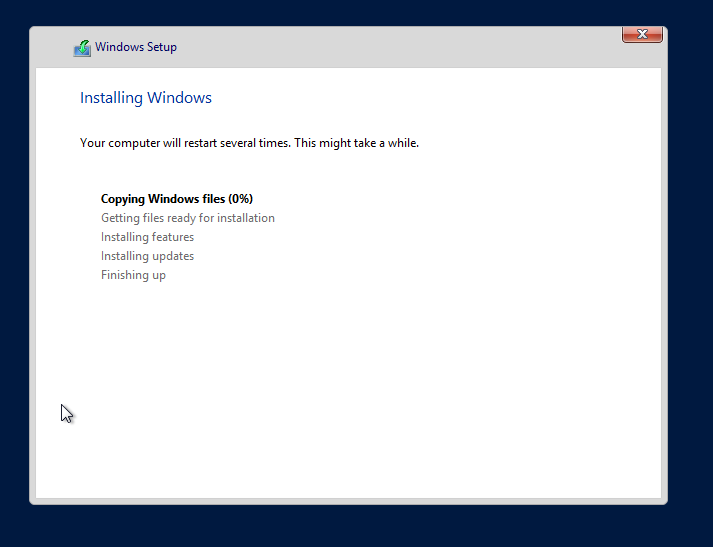
| An automatic reboot occures when the setup program is finished installing
|
 |
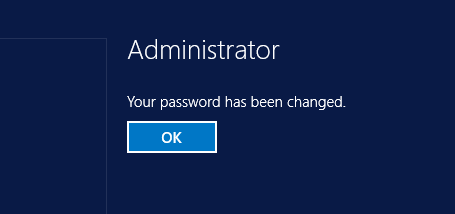
| On the firs login, windows asks for an Administrator password

|
 |

|
 |
|
 |
|
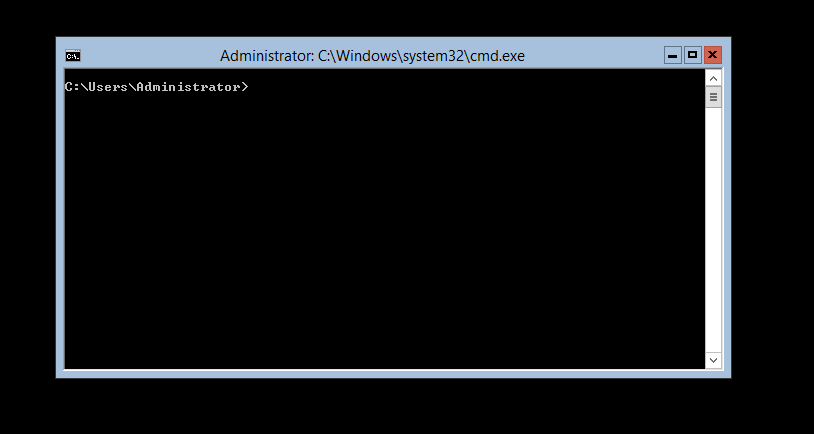
Voila: your Core Server |
 |